Google Enhances AI Mode in Chrome with Side-by-Side Browsing Feature
Google is turning Chrome into something far more ambitious than a traditional browser, and its latest AI Mode update makes that hard to miss. With a new side-by-side browsing experience, the company is addressing one of the biggest annoyances in AI-assisted search: losing the conversation every time you open a source.
Now, links in AI Mode can open next to the AI panel instead of replacing it. On the surface, that sounds like a small interface change. In practice, it changes how search, research, shopping, and content discovery work inside Chrome.
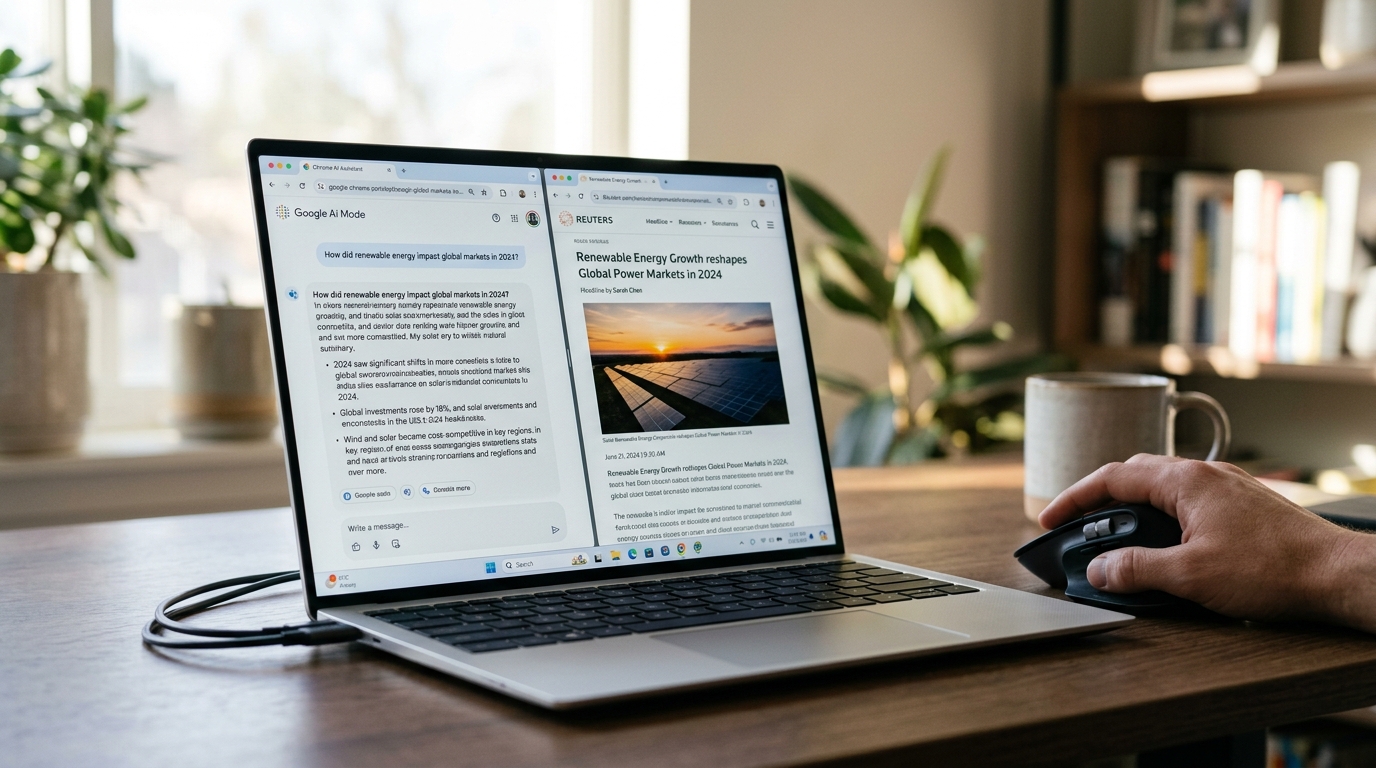 What Google Just Announced
In mid-April 2026, Google introduced a new version of AI Mode in Chrome that keeps the AI experience visible while users browse source pages. Instead of bouncing between tabs or losing context after opening a result, you can keep the assistant active on one side and the webpage on the other.
Google also expanded context controls with a menu that lets users pull tabs, images, and PDFs into the conversation. Canvas and image-based tools add to that shift, pushing Chrome closer to an active research workspace instead of a passive browsing tool.
The rollout began immediately in the US on desktop and mobile, with broader expansion expected soon.
Why This Matters
The significance here is less about novelty and more about behavior. Google is trying to solve tab fatigue, the constant switching that happens when people compare products, verify claims, read documentation, or dig into a topic.
With side-by-side browsing, AI Mode becomes a persistent layer rather than a temporary stop. Users can ask follow-up questions while reading an article, reviewing a product page, or scanning a PDF. That makes the AI feel less like a standalone chatbot and more like an on-demand research partner built into Chrome.
This also fits into a much longer rollout. Google first launched AI Mode experimentally in March 2025 as an expansion of AI-powered search. By late 2025, it had reached 180 countries and picked up deeper Chrome integrations, including omnibar access and visual tools. Early 2026 added more productivity features, such as split-style interfaces and history access. This update feels like the next logical step: making AI Mode native to the browsing experience itself.
A Better Experience for Users
From a user standpoint, the appeal is straightforward. If someone is shopping for a vacuum, for example, they can open a product page and ask AI Mode questions like “How easy is this to clean?” or “How does this compare with similar models under $300?” without constantly jumping between sources and search results.
The same goes for research-heavy work. Whether reading a PDF, comparing several tabs, or analyzing visual content, Chrome’s new context-sharing tools let AI Mode work directly with those materials. It’s a smoother model for browsing, and it pushes Chrome closer to a full AI productivity environment.
- Keep context visible while opening sources
- Compare information faster across tabs, PDFs, and images
- Ask follow-up questions without restarting the search flow
- Reduce tab switching during research and shopping
The SEO and Publisher Angle
This is where the conversation gets more complicated. A smoother AI experience could make AI Mode stickier, keeping users inside Google’s interface longer and potentially reducing direct click-through traffic to publishers. Some in the SEO community are already concerned that this could deepen the no-click search trend, especially as AI-led experiences continue to absorb more of the user journey.
At the same time, there’s a reasonable counterpoint. If the experience feels more seamless, users may click more often because they no longer have to abandon the AI thread to visit a source. SEO experts like Lily Ray have noted that a more unified flow could increase source engagement rather than suppress it.
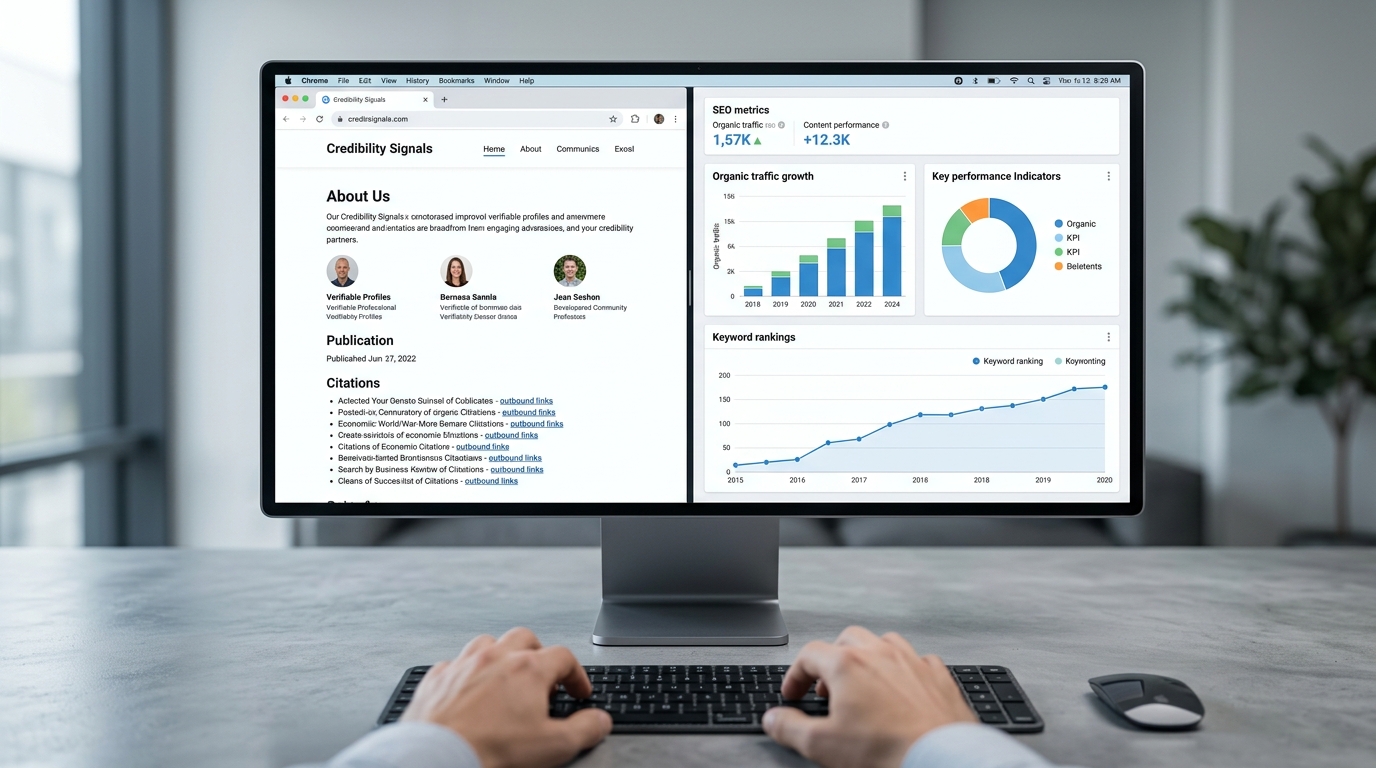
Both outcomes can be true. AI Mode may reduce low-intent clicks while increasing higher-intent visits. For publishers, that means optimization has to evolve. Above-the-fold value, clean structure, credibility signals, and content that is easy for AI systems to cite matter even more in this kind of interface.
 Google’s Broader Search Context
This Chrome update didn’t arrive in isolation. Around the same time, Google was dealing with a Search Console impressions bug that caused confusion for site owners, while also rolling out a new spam policy targeting back button hijacking. That policy goes after deceptive experiences that manipulate browser history and trap users.
Taken together, these moves point to a broader strategy: Google wants tighter control over the search and browsing journey, with user experience as the public rationale. On one side, that means less tolerance for manipulative web tactics. On the other, it means Google is increasingly owning the interface layer where discovery happens.
That’s a meaningful strategic shift.
What Comes Next
This side-by-side AI browsing model is likely to expand quickly and become a standard part of Chrome. The browser is evolving into an AI workspace where search, summarization, source-checking, and multi-format analysis happen in one continuous environment.
For marketers, SEOs, and publishers, that means preparing for a hybrid future where visibility is shaped not just by rankings and clicks, but also by citations, summaries, and presence inside AI-guided interfaces. For users, it means a faster, more interactive web. For Google, it’s another step toward making Chrome the default operating system for AI-assisted knowledge work.
FAQ
What is Google’s new side-by-side AI Mode feature in Chrome?
It allows users to keep the AI panel open while viewing webpages, so opening a source no longer ends the AI conversation.
What types of content can AI Mode use as context?
Google says users can bring tabs, images, and PDFs into the conversation through expanded context controls.
Why does this matter for SEO and publishers?
It could reduce some direct clicks by keeping users inside Google’s interface longer, but it may also increase higher-intent visits by making source exploration easier.
Is this update available now?
Google began rolling it out in the US across desktop and mobile, with wider availability expected later.
Conclusion
Google’s side-by-side AI Mode in Chrome is more than a convenience feature. It changes how people move through information online and reinforces where browsing is headed: more conversational, more contextual, and more AI-led. For teams trying to keep pace with fast-moving shifts in AI and search, AIuthority is a resource worth keeping an eye on.